How to Build a Weekly Reset Habit That Keeps Clutter Away
A step-by-step guide to building a weekly reset habit that prevents clutter, with templates, habit-building tactics, and troubleshooting for busy lives.

How a weekly reset actually keeps clutter away
Clutter doesn’t happen overnight. It slips in between the routines, collects at decision points, and grows where small tasks are never completed. A weekly reset stops that slow creep by creating a predictable time to assess, decide, and tidy. Done consistently, it prevents piles from becoming projects, reduces decision fatigue, and keeps your home — and mind — calm.
This post gives a simple, repeatable weekly reset that fits a busy life, plus habit-building tips so the reset becomes automatic. Use it as a template, tweak what doesn’t fit, and watch a regular 30–60 minute ritual transform how your space behaves all week.
The core idea: small, regular interventions beat rare deep-cleans
There are three reasons weekly resets work better than occasional marathons:
- Frequency reduces friction. Small tasks are easier to start and finish. A 45-minute reset is less intimidating than a weekend-long overhaul.
- Decisions get simpler. When you review things weekly, choices like “keep, donate, recycle” require less mental energy because context is fresh.
- Momentum compounds. Each week you stop new clutter from accumulating, so the next reset needs less work.
Think of a weekly reset like trimming a hedge: frequent trims keep the shape and avoid a jungle.
Design your weekly reset (pick a realistic format)
Choose a rhythm that matches your life. Here are three common formats — pick one and commit for four weeks.
1) The 30-minute Sunday sweep
- Best if you want a short, consistent habit that prepares you for the week.
- Block 30 minutes Sunday evening. Use a timer and a short checklist.
2) The 60-minute weekend reset
- For households with more stuff or busy lives where 30 minutes isn’t enough.
- Tackle one room deeply and do quick passes in others.
3) The micro-weekly (3 x 10 minutes)
- Ideal if a single block is impossible.
- Break the reset into three 10-minute slots across the weekend or week; one slot for paperwork, one for surfaces, one for entryways.
No matter the format, schedule the time on your calendar and treat it like an appointment you keep.
A simple, repeatable weekly reset checklist
Use this checklist as a template. Adjust to your home and goals.
- Quick walk-through (5–10 minutes)
- Walk every main living area and take a mental note of problem zones.
- Carry a laundry basket or bin to gather items that belong elsewhere.
- Surface sweep (10–20 minutes)
- Clear flat surfaces: counters, coffee tables, kitchen island.
- Put away items or place them in a “home” for next week.
- Shoes, bags, and mail (5–10 minutes)
- Sort mail: file, act, recycle. If you want a dedicated system, consider a simple inbox routine and clear it weekly.
- Return shoes/purses/bags to their assigned spots.
- Declutter spot (10–20 minutes)
- Pick one small area (a drawer, shelf, or entry table). Apply the three-question rule: Do I use it? Do I love it? Does it belong here? Keep, donate, or relocate.
- Reset zones (5 minutes)
- Refill essentials (soap, trash liners), fold throws, clear dish racks.
- Decide and dispose (5 minutes)
- Put donation items in a bag and label it with a drop-off day.
- Quick reward (optional)
- Light a candle, make a cup of tea, or sit for two minutes to enjoy the cleared space.
That checklist is flexible — a 30-minute version trims some steps down; a 60-minute version expands them.
Habit architecture: making the reset stick
A habit without structure is a hope. Use these behavior-backed tactics to lock it in.
Anchor the reset to an existing routine
Attach the reset to something you already do every week. For example, if you always meal-plan on Sunday, do the reset right after. This is habit stacking: the existing routine becomes your cue.
Use an unmistakable cue and countdown
Put a visual trigger in your calendar (color-coded event) and set an alarm 10 minutes before. Use a visible basket or labeled bin as a physical cue: when it’s full, you know you’ve accomplished your declutter goal.
Make it tiny to build consistency
If 30–60 minutes feels too big, commit to just 5 minutes. The point is to show up. After several weeks, increase time in 10-minute increments. The consistency beats occasional intensity.
Reward the behavior immediately
A small, consistent reward reinforces the habit. It doesn’t need to be food — it can be a five-minute break in a tidy chair, adding a sticker to a habit tracker, or checking something off visually.
Track progress without perfectionism
Keep a simple checklist or calendar checkmark. Seeing consecutive weeks builds motivation. Missing one week isn’t failure — it’s data. Ask what barrier prevented you and remove it next week.
Tools and systems that make resets faster
- Donation bag: Keep a bag in a closet — when it’s full, schedule a pickup or drop-off. This prevents donation items from returning.
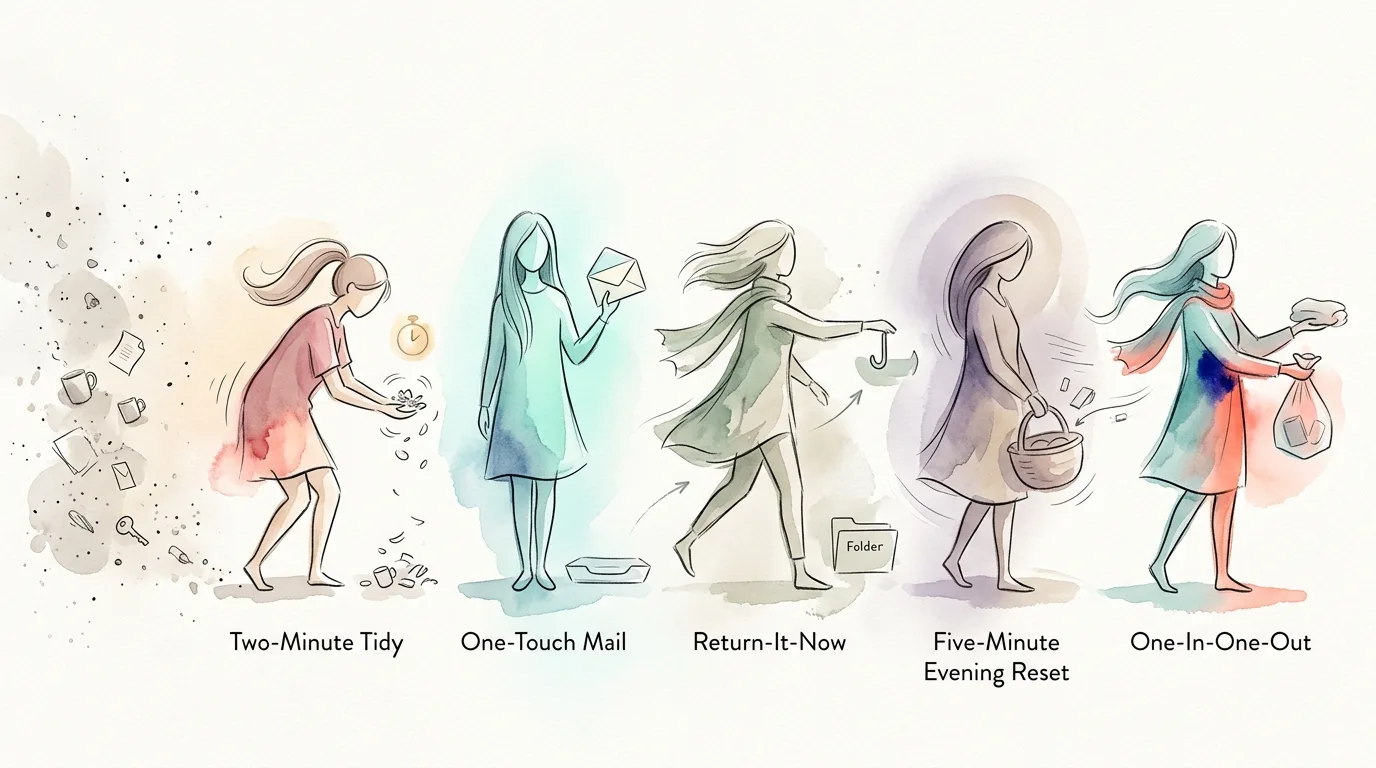
- Two-minute decisions: If an item can be handled in two minutes (put away, recycle), do it now.
- Timers: Set a 25- or 30-minute timer for a focused reset (a modified Pomodoro).
- A visual home for commonly misplaced things: Keys bowl, mail tray, charging station. Reduces rework.
- Checklist template: Print a one-page weekly reset checklist and tape it inside a pantry door.
If you want a shorter daily complement to this ritual, try the five-minute evening reset habit — it pairs well with a weekly reset and keeps surfaces from rebounding.
What to do about sentimental items and decision paralysis
Sentimental items slow the process. Use rules to simplify decisions:
- Limit one sentimental box per person.
- If an item triggers a long story when you pick it up, take a photo and store the photo instead.
- Set a limit: if you haven’t used or looked at something in a year, it’s a candidate to move on.
For decision paralysis, adopt the “two-shelf rule”: if you can store something on a single shelf, keep it; if it needs more space, ask whether it belongs in your daily life.
Troubleshooting common obstacles
- I don’t have time: Shrink the reset to 10 minutes and pick a micro-goal (clear the top of the dresser). Consistency over duration.
- I start, then get distracted: Use a timer and place your phone out of reach. If you keep finding distractions, make the reset into multiple 10-minute sessions.
- The reset feels pointless: Reassess targets. Are you reshaping the space you use most? Focus on the entryway, kitchen counter, or living room where mess matters daily.
If digital clutter is a recurring problem, consider adding a weekly inbox sweep to the reset. A quick, scheduled session clears decision backlog and keeps your week streamlined; try a weekly inbox zero habit to build that skill.
Scaling your reset: when to tighten and when to relax
If resets are effortless for a month, consider scaling back frequency (every 10 days) or shifting focus to deeper projects like wardrobe refreshes. If resets feel overwhelming, reduce the time or scope — the goal is sustainable maintenance, not punishment.
After a few months, add a monthly or quarterly mini-purge for slow-growing categories (paper, pantry staples, kids’ toys). If you enjoy short bursts, a 10-minute daily declutter habit complements weekly work — this is especially powerful for keeping small clutter from recurring. For a method that helps build that short habit, see the 10-minute decluttering habit.
The payoff: fewer decisions, calmer mornings, more margin
A weekly reset is not about perfection; it’s about preventing chaos and buying back time. With a regular check-in you’ll make fewer reactive decisions, enjoy calmer mornings, and slowly shift your home toward the shape you want.
Start small this week: pick your format, add a calendar event, and do the reset. If you show up even imperfectly, you’re already changing the default of your home from cluttered to cared-for.